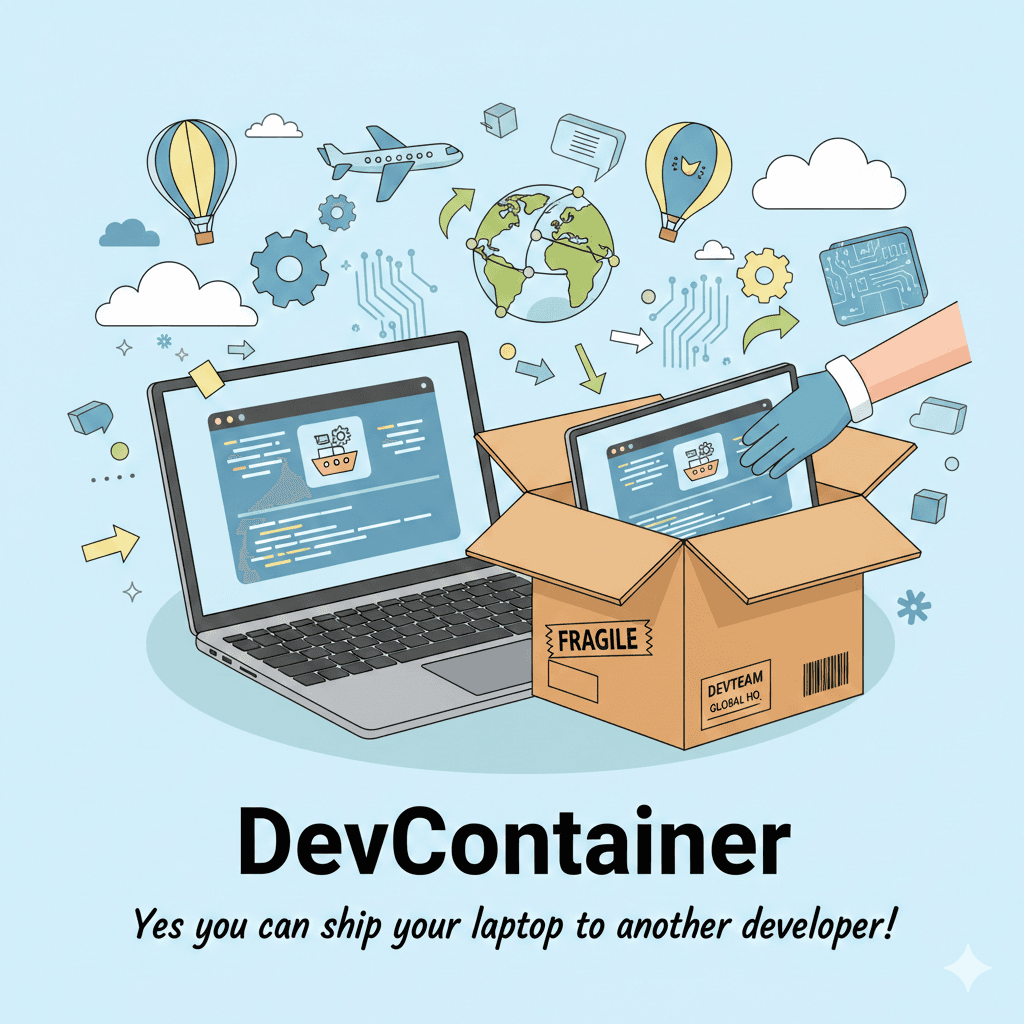
DevContainer - Yes you can ship your laptop to another developer ! 🫡
After a short break from my writing journey, today I plan to share my experience with dev containers and what I’ve learned about them. I’m still fairly new to the concept, so I hope to share more insights as I continue to explore it in the future.
I usually use Docker when I want to maintain the same runtime for both production and development environments.
One day, I came across a tool called “DevContainer.” I had first learned about it a few months earlier and wondered why it was necessary for maintaining a consistent environment across devices when we already have Docker for that purpose.
And so, on that day, I thought there might be something to this, but it wasn’t useful for me at the time. I decided to remember the name for the day I’d want to use DevContainer. That day is today.
Now I realize DevContainer isn’t just a Docker wrapper, but a feature-rich tool that makes it easy to replicate our development environment.

If you’ve spent enough time wrestling with inconsistent dev setups, you eventually reach a point where I was also struggle.
That’s where Dev Containers really change the game. While doing my research, I ran into the hassle of installing countless tools just to recreate the supporting environment. It was a nightmare, so I decided to check out the Dev Container.
The Docker doesn’t care about your editor, your extensions, your debugging tools, or your onboarding experience. It’s not supposed to — But Dev Container does.
Inside a Dev Container, we can define: programming language versions, build tools,VS Code extensions etc.
In simple term DevContainer is fully configured workstation is with the help of container that any other developer can replicate easily, without sending hundred of WA message for you asking “why this package is not running on my laptop - who knows actually 😒.
Dev Containers: Your entire development environment in a box

A Dev Container takes the idea of “environment consistency” and pushes it all the way to your editor.
It doesn’t just run your app. It runs you — your tools, your workflow, your coding habits.
Inside a Dev Container, you can define:
Programming language versions
Build tools
Linters and formatters
VS Code extensions
debugging configuration
environment variables
Post‑create automation scripts
Even your Git settings
It’s your development laptop, but reproducible, shareable, and version‑controlled. That’s why in the earlier I said this is a way to ship your laptop to another developer.
And the best part is that, VS Code orchestrates everything. You open the project, and it builds the environment for you. No manual Docker commands. No “install this first.” No “works on my machine.”
The philosophical difference
I know that at first the concept might not be familiar, and you still wonder why we need a devcontainer when we already have Docker to maintain a consistent environment. I was also
Here’s the simplest way I internalize it:
Docker cares about the application.
Dev Containers care about the developer.
Refer the full table to get broad idea about the difference between docker and dev container.
Docker vs Dev Container
| Category | Docker | Dev Container |
| Primary Purpose | Runs your application in an isolated environment | Runs your entire development environment inside a container |
| Who Manages It | Docker Engine / CLI | VS Code (or GitHub Codespaces) orchestrates it using Docker |
| Configuration Files | Dockerfile, docker-compose.yml | .devcontainer/devcontainer.json + optional Dockerfile |
| Focus Area | Runtime consistency | Development consistency |
| What It Contains | App runtime, dependencies, minimal OS | Toolchains, debuggers, VS Code extensions, environment variables, scripts, plus everything Docker has |
| Lifecycle | Build → Run → Deploy | Open project → VS Code builds container → Develop inside it |
| Typical Use Case | Microservices, production workloads, CI/CD | Onboarding, reproducible dev setups, isolated toolchains |
| User Experience | You run containers manually | VS Code auto‑builds and attaches your editor to the container |
| Environment Scope | Only the app environment | Full developer workstation (inside a container) |
| Portability | Portable runtime | Portable development workflow |
| Isolation Level | Isolates the app from the host | Isolates the host from the app’s dev dependencies |
| Tooling Support | CLI‑driven | Editor‑driven (VS Code UI + commands) |
| Debugging | Requires manual setup | Preconfigured in devcontainer.json |
| Team Collaboration | Ensures app runs the same everywhere | Ensures developers code the same everywhere |
| Learning Curve | Docker concepts (images, containers, volumes, networks) | Docker concepts + VS Code Dev Container features |
| Philosophy | “Package the app.” | “Package the developer environment.” |
When looking at a table you can see that the DevContainer gives us a capabilities to reproduce the developer environment very easily.
Honestly, not much — except that once you get used to Dev Containers, you start wondering why you ever installed toolchains directly on your OS. Your machine becomes lighter. Cleaner. Less fragile.
And your projects become more portable, more reproducible, and easier to maintain.
Final thought
Docker gave us consistent application environments. Dev Containers give us consistent developer environments. If Docker is the engine, the Dev Container is the entire workshop built around it.
Let’s see how we create a DevContainer environment in action in future article, if you can’t wait until that article, just ask from your favorite LLM 😎.
Have a nice day 👋..

![[Day 03] - Laptop to Lab -- Lot of Questions](/_next/image?url=https%3A%2F%2Fcdn.hashnode.com%2Fres%2Fhashnode%2Fimage%2Fupload%2Fv1770574152771%2F6e8524ec-fca2-4129-a360-cae13e7046a4.png&w=3840&q=75)