I setup VPC using Terraform
These days I’m following the terraform learning path from the KodeKloud to learn about the Terraform for my research, so I decided to write about the task that I have done today.
If you don’t know about the Terraform, It’s a Infrastructure as Code (IaC) tool created by HashiCorp that lets us define, provision, and manage cloud and on‑prem infrastructure. Basically we able to version control and automate infrastructure setup.
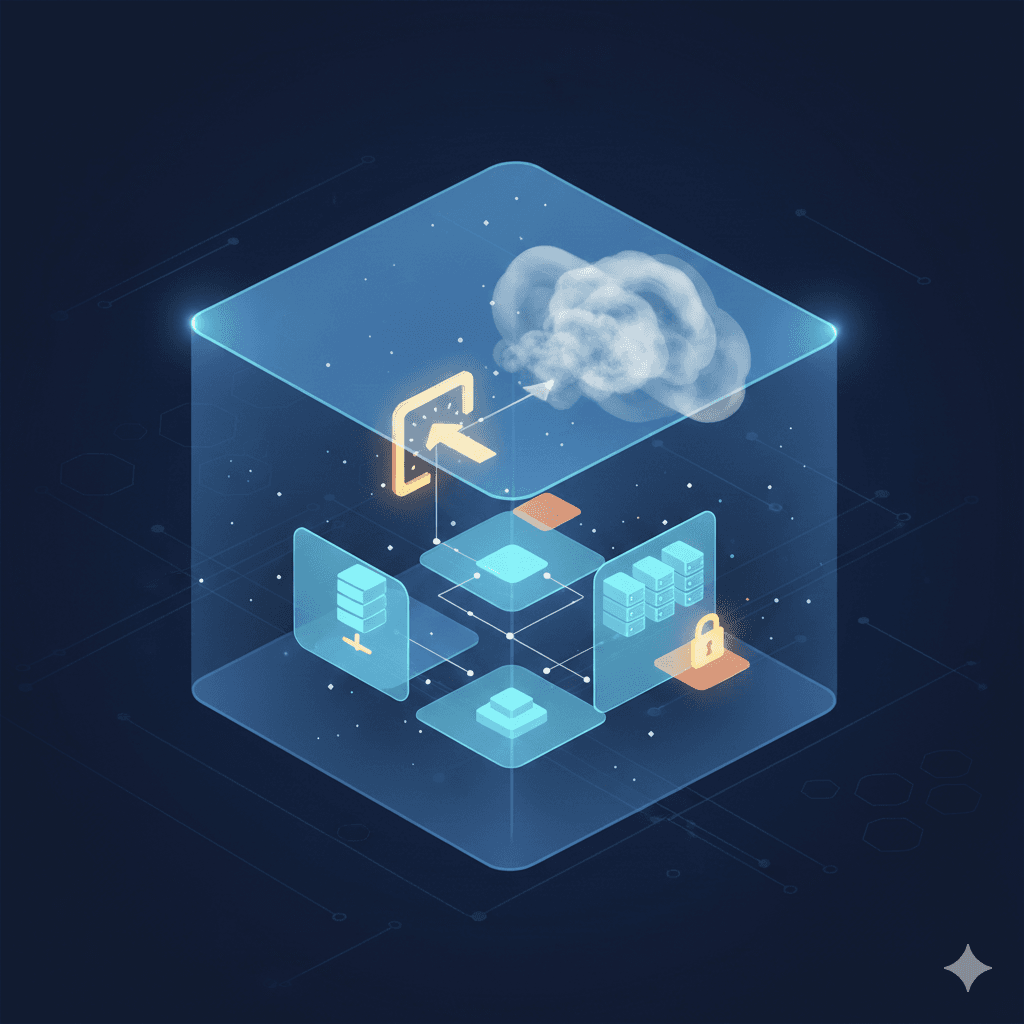
Today my task is to setup Virtual Private Cloud (VPC),
If you don’t know about the VPC — Its a virtual network dedicated to your AWS account. It is logically isolated from other virtual networks in the AWS Cloud. It gives you full control over your networking environment.
Don’t confuse with the virtual machine concept, I also confuse in first time… !
Think of an AWS VPC as the building or the private property, while a Virtual Machine (called an EC2 instance in AWS) is the computer you place inside one of the rooms.
It gives full control over,
IP Address Ranges: Choosing your own private IP space.
Subnets: Dividing your network into smaller sections (e.g., a "Public" section for web servers and a "Private" section for databases).
Routing: Deciding which traffic can go to the internet and which stays internal.
Security: Using Firewalls (Network ACLs and Security Groups) to lock down access.
Here is a side by side comparison ,
| Feature | VPC (Virtual Private Cloud) | EC2 (Elastic Compute Cloud) |
| Category | Networking | Compute |
| Analogy | The private land/fenced yard | The house or equipment on the land |
| Purpose | To define where and how data travels | To run code, apps, and OS |
| Identity | Defined by CIDR blocks (IP ranges) | Defined by CPU, RAM, and Storage |
| Is it a VM? | No, it's the network infrastructure | Yes, it is a Virtual Machine |
Move to the Question
This question was very easy one and my task is to Create a VPC named xfusion-vpc in us-east-1 region with 192.168.0.0/24 IPv4 CIDR using terraform.
Here is the code example.
resource "aws_vpc" "xfusion-vpc" {
    cidr_block = "192.168.0.0/24"

    tags = {
        Name = "xfusion-vpc"
    }
}
If you don’t have any idea about the terraform code, let me example the code,
Here we define the resource called “aws_vpc”, that names as “datacenter_vpc”, this name like a variable name that we can refer the created VPC in our infrastructure.
cidr_block = "192.168.0.0/24": This defines the IP address range for your network. The /24 means you have a range of 256 IP addresses (from 192.168.0.0 to 192.168.0.255).
tags: This is a map of labels. Setting the Name tag to datacenter-vpc is what actually makes that name show up in the "Name" column of AWS Management Console.
That’s pretty much everthing that I want to do for complete this task, but make sure that in order to run this code, we needed to setup the provider, In this case aws. I’m not set the provider here because KodeKloud do it for me.
![[Day 03] - Laptop to Lab -- Lot of Questions](/_next/image?url=https%3A%2F%2Fcdn.hashnode.com%2Fres%2Fhashnode%2Fimage%2Fupload%2Fv1770574152771%2F6e8524ec-fca2-4129-a360-cae13e7046a4.png&w=3840&q=75)